

Unfortunately, once one of your license slots has been allocated to a particular phone then this slot will not be able to be switched for another. You can choose to buy a new activation slot for an additional device, or upgrade to a license with additional phone slots. Most users choose to buy an extra slot.
In case you have no free slots left, the "Activate" button will appear in red colour.
Upon clicking it, you will be offered to buy a new phone slot or a full software license.
If "Activate phone" is selected, you will be offered to purchase a new phone slot.
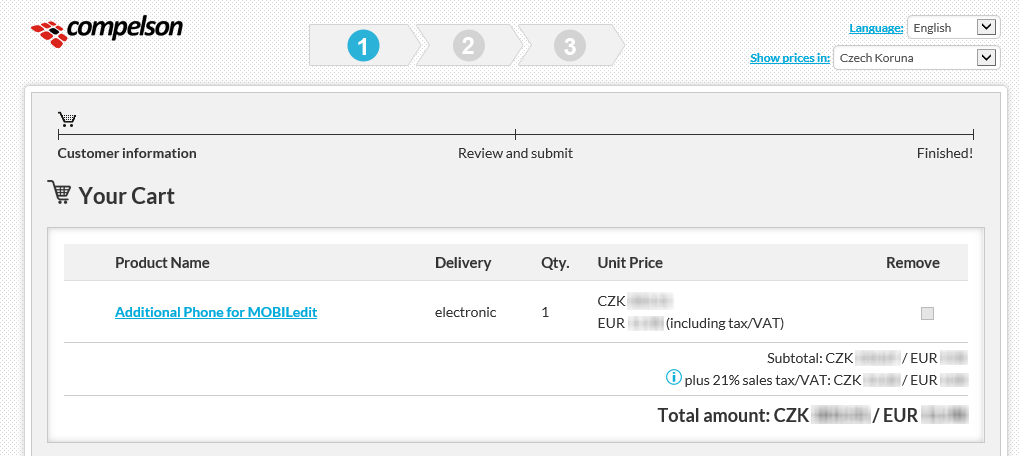
The "Proceed to Checkout" button will take you to our online store to buy the phone slot. Once you have completed the checkout, click on "Check Payment Status" and the slot will be automatically made available for you - for your license.
If you would like to upgrade your license or extend your updates, please follow the link below and enter your license key to see what options you have for an upgrade.